A dark edit suite at night with a video timeline glowing warm gold on a monitor
Slide 01
Builder Circle · November

Your own Video Agent

Install it tonight. Edit with it tonight.

Slide 02
The plan

Tonight in four parts

1

Catch-ups

Quick round the room: one thing you built or shipped.

2

Start the install

Download, paste one prompt, say yes. It runs on its own.

3

Alex's builder demo

While installs run. Anyone else can demo too.

4

Play

Real edits with your own Video Agent.

Slide 03
Round the room

What did you

build or ship?

  • One minute each: one win, one thing you are stuck on
  • Then Alex shows what he built, right after we start the install
Slide 04
Part two

Start the install now

  • Portal: Builder Circle Session 12
  • Download the zip and leave it in Downloads
  • Copy the Mac or Windows prompt for Claude Code or Codex
  • Paste it into a fresh session and say yes

You are ready when it says Ready: tests pass, a sample end card renders, transcription works. Stuck? Paste the last lines in the chat.

Slide 05
Part three · while it installs

Alex shows what he built

  • About five minutes, then one or two questions
  • Anyone else with a demo: hand up in the chat
  • Keep one eye on your install window
A grid of glowing short video frames on a dark wall
Slide 06
What you now have

Everything the

Video Agent can make

One plain line each. Ask for any of it in your own words.

Slide 07
Edit

Edits what you filmed

Best take

Hears every take and keeps the strongest one.

Cuts the pauses

Silences and stumbles out, your words kept.

Captions

Word by word, in the style you pick.

Loudness

Set for Instagram, never too quiet.

The agent's timeline view with the waveform and shaded silences
Slide 08
Listen

Free transcription, your captions

Free local transcription

Runs on your computer. Nothing uploaded, nothing to pay.

Caption styles from your clip

Shows two or three styles on your own footage. You pick.
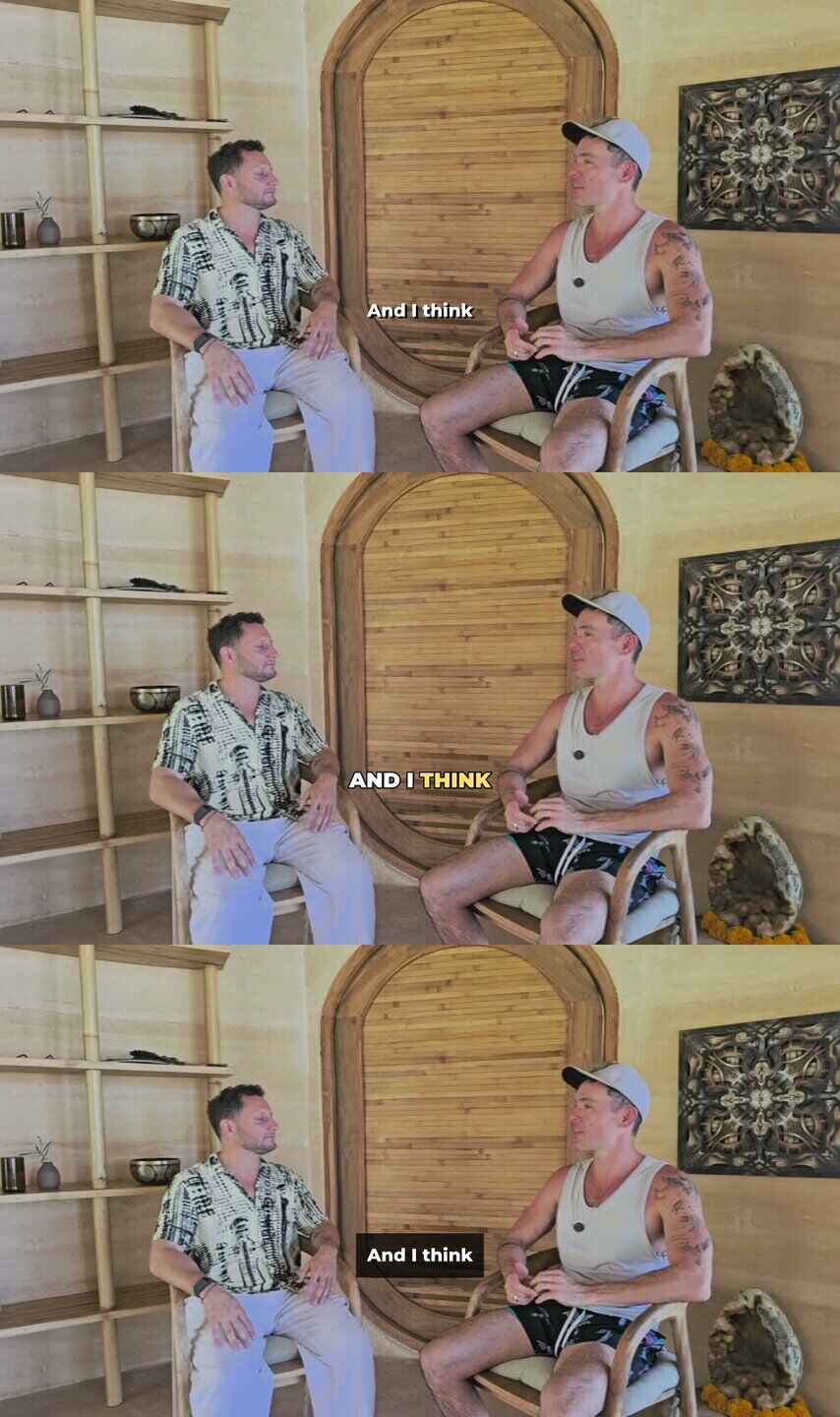
Three caption styles shown on the same clip
Slide 09
Hooks

Hook Lab

Scored hooks

Finds the strongest lines in a long video and scores them.

Story cut

Lines in order that tell one story.

Hook stack

The punchiest lines, back to back.
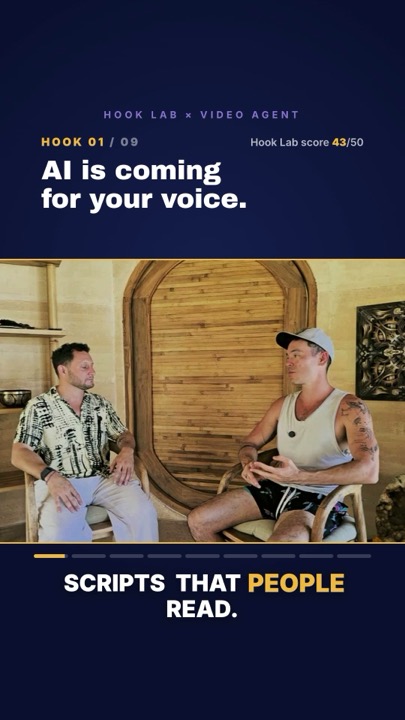
A hook stack Reel with a Hook Lab score
Slide 10
Templates

Branded Reels

Six templates

Hook stack, talking head, quote card, three tips, end card, editorial.

Your brand.json

Your colours, fonts, logo and closing line on every video.

Mood

Serious, calm, bold or playful. It changes the whole look.
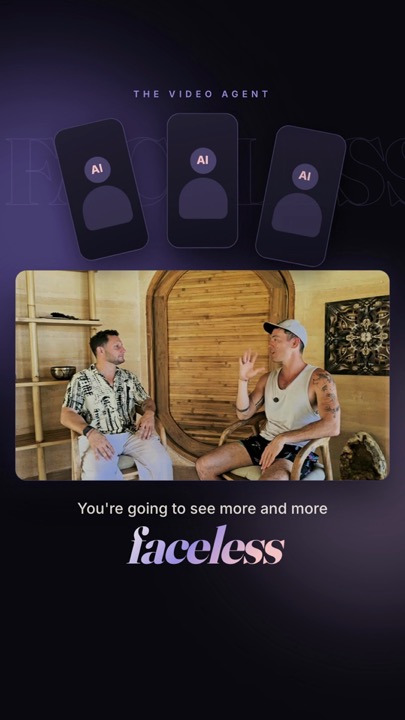
The editorial template in the default lookThe same template in a different brand
Slide 11
Style

Spotlight style

One big word

The key word lands huge on screen.

Icons behind you

Icons sit behind you, not over your face.

Comment-word ending

Ends on the word people comment to get your thing.

Mac only for now.
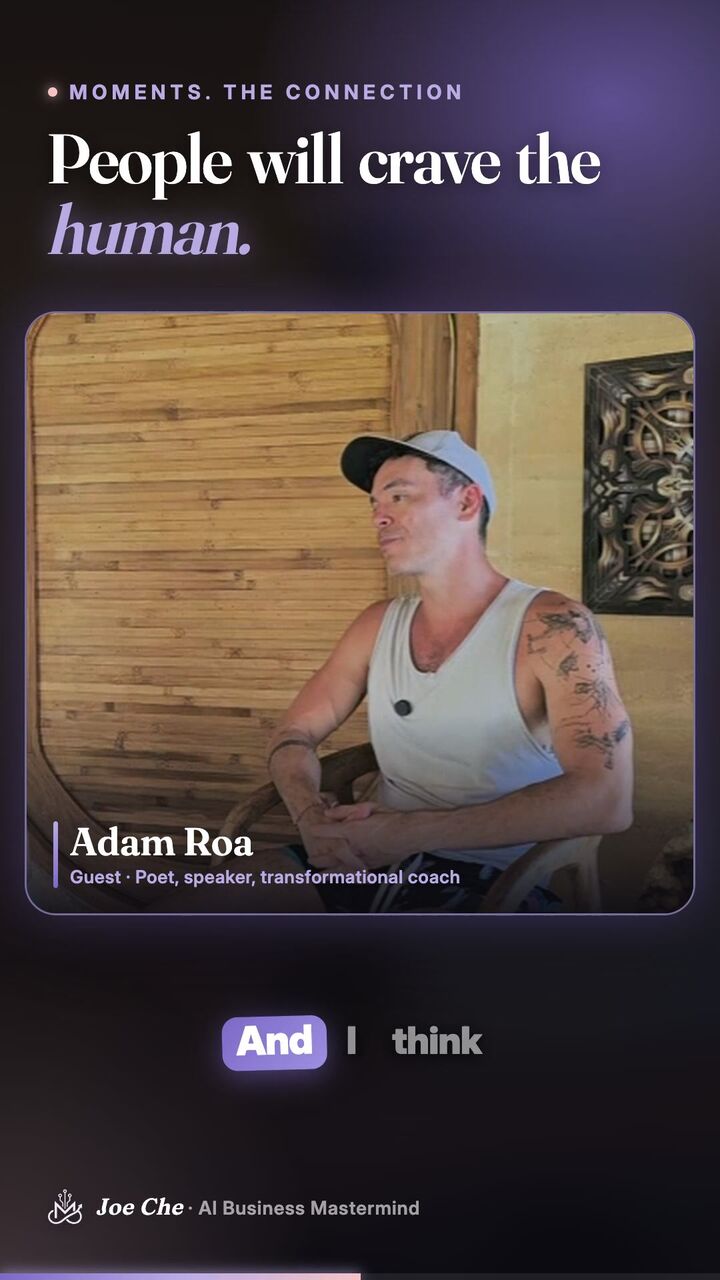
A captioned talking head Reel
Slide 12
Animate

HyperFrames

Animated titles

Openers and lower thirds that move.

End cards

Your logo, handle and next step.

Explainers

A whole animated video from a brief.

Editable

Open it in HyperFrames Studio and tweak anything.

The HyperFrames skills were installed by setup. Just ask.

Slide 13
Plan

Film Director

Shot by shot

Writes the story and a card for every shot first.

Stills are free

You see every shot as a still before any video.

Cost first

Shows the cost and waits for your yes.

Slide 14
Finish

Polish, then check

Clean voice

Removes hum and room noise.

Tighten

Trims it shorter without losing the point.

Beats

Cuts land on the music.

Reframe

Wide footage turned vertical, you kept in frame.

Output check

Re-listens to the final video for missing or extra words and checks the loudness, before you ever see it.

Slide 15
Safe by default

It asks first

Never spends without a yes

Free tools first. Anything paid waits for you.

Never asks for keys in chat

Keys go in a private pop-up, never the chat.

Originals untouched

It works on copies. Your footage stays as it was.

A phone on a tripod in a warm room at dusk, ready to film
Slide 16
Part four

Now we

play

Phone out. Film 30 seconds. Edit it together.

Slide 17
Play · one

Your first edit

  • Film 30 to 60 seconds, any topic
  • Say: use the video agent, edit this for an Instagram Reel
  • Pick a caption style from your own clip, say yes
Slide 18
Play · two

Find your hooks

  • Give it a long video: podcast, live or Zoom
  • Say: find my best hooks
  • Pick a story cut or a hook stack
Slide 19
Play · three

Make it yours

  • Say: set up my brand (it finds your brand brain)
  • Pick the mood: serious, calm, bold or playful
  • It shows a still first, then renders
Slide 20
Before you go

What did you make tonight?

What will you edit first this week?

What got stuck?

Film it once. Let the agent do the three hours after.

Builder Circle